
55VSH7J
55" 700 nits FHD 0.44mm Even Bezel Video Wall
Key Feature
Brightness(Typ.) : 700 cd/m²
Bezel : 0.44 mm (Even)
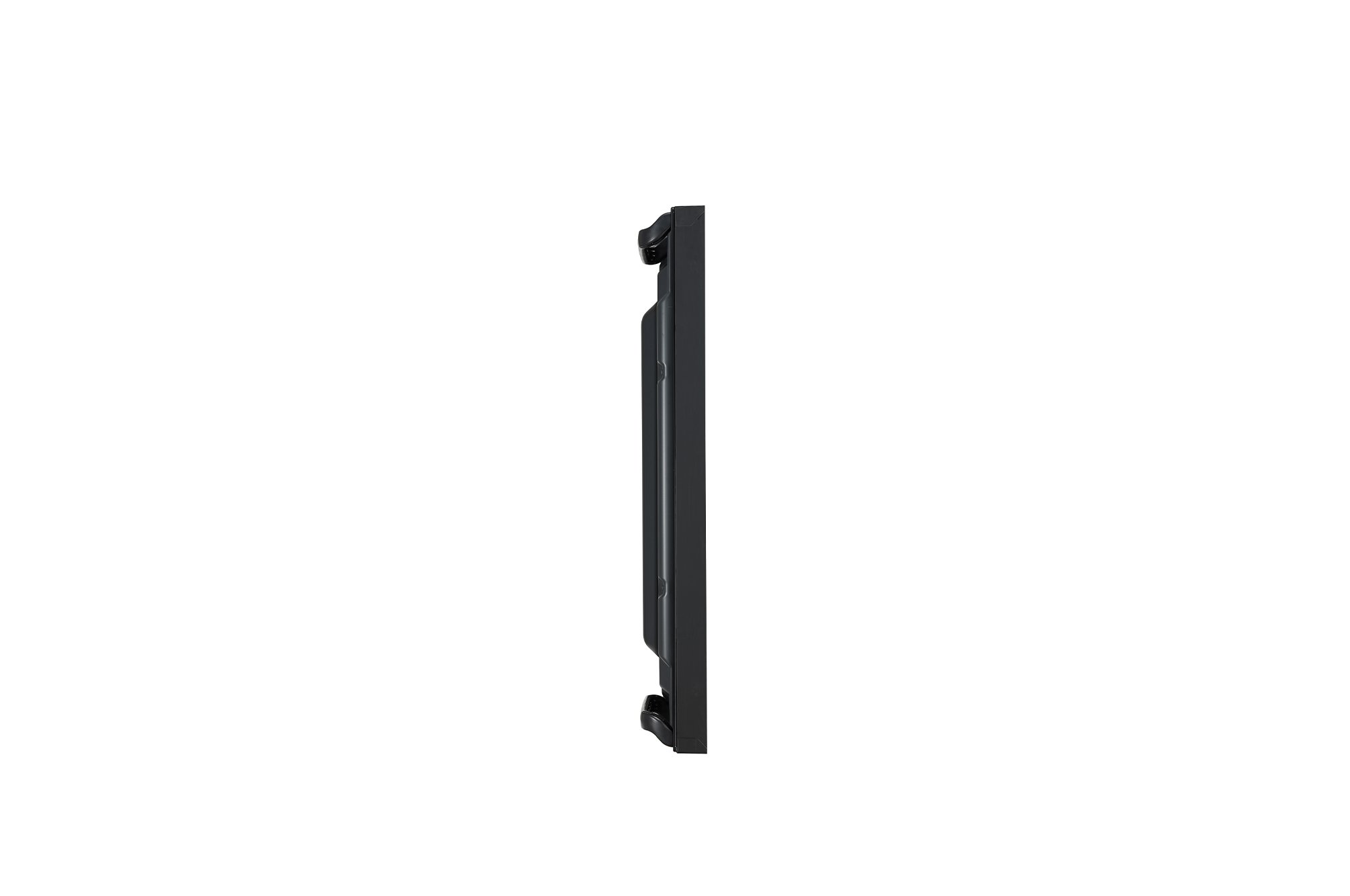
Depth : 86.5 mm
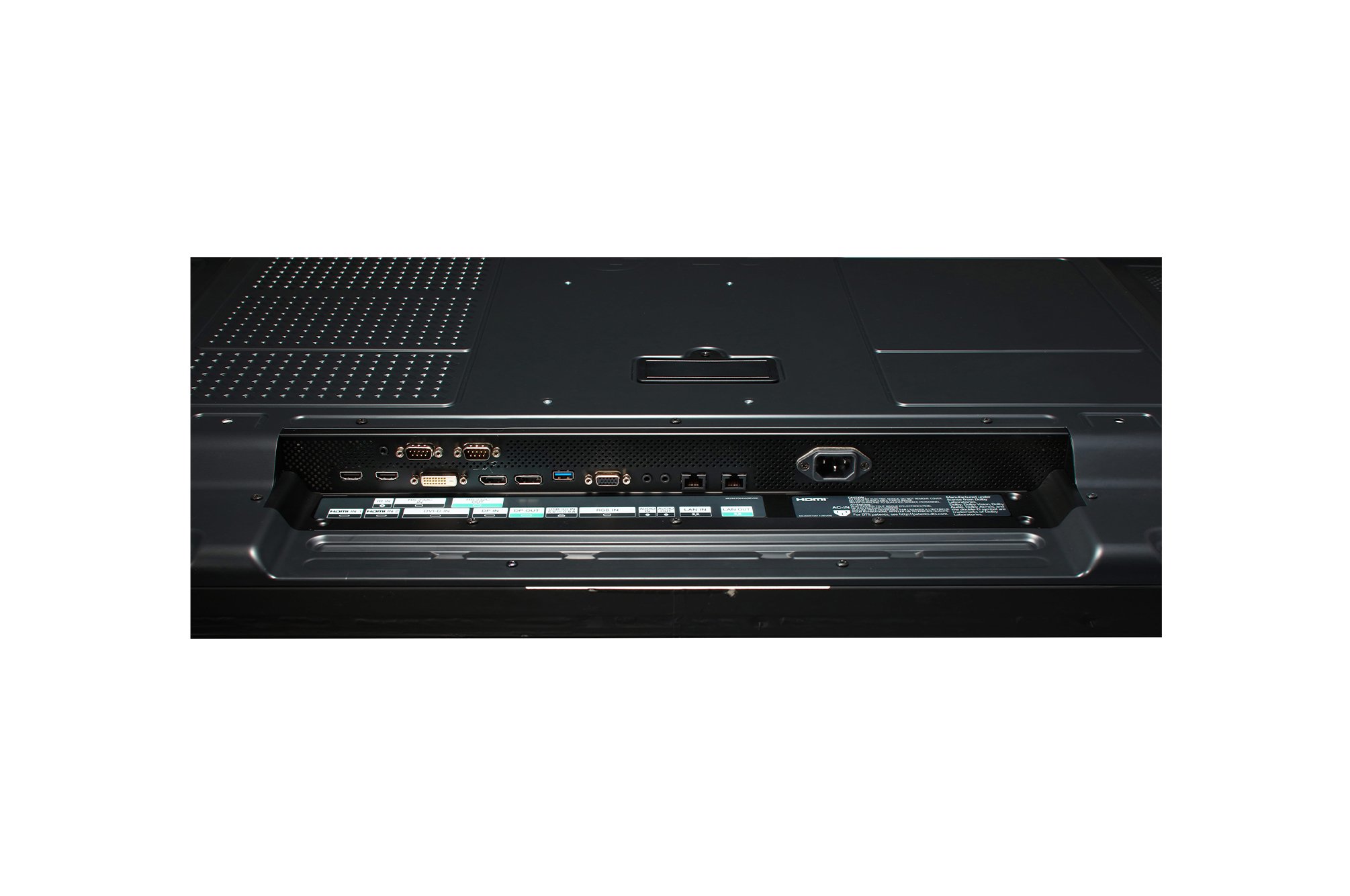
Interface : HDMI(2)/ DP/ DVI-D/ USB/ RS232C/ RJ45/ Audio/ IR
Smart Calibration






0.44mm Even Bezel Video Wall
* All images in this web page are for illustrative purposes only.

Groundbreaking 0.44mm Even Bezel
The unprecedented razor-thin bezel – 0.44 mm EVEN BEZEL and 0.88 mm BEZEL TO BEZEL – which has been verified by Nemko*, makes content look like the actual original image by depicting a subject perfectly true to form, without any distortions. Seamlessly assembled on a large video wall screen, the VSH7J series will provide an even more immersive experience to viewers.
Higher Viewing Angle
Large screens are usually positioned higher than human-eye level, making uniform picture quality essential for video walls. The viewing angle of the VSH7J series is high enough to display vivid colors throughout the screen with no distortion.
* Results based on in-house testing. Actual test results may differ depending on environment and measuring equipment.


Wide Viewing Angle
It is well known that LG IPS panel technology enables better control of liquid crystals, which in turn allows the screen to be viewed from virtually any angle. Because of this, the VSH7J series captures the attention of and captivates more viewers with lifelike colors, regardless of their viewing position.
Uniform Color Expression
Poor uniformity around bezel boundaries can give the corners a darker appearance, which doesn’t look good on a large screen. However, the VSH7J series has enhanced uniformity, even within the four corners of the display, to deliver vivid and consistent color throughout the screen.
* Uniformity among 13 points of the screen. Results based on in-house testing. Actual test results may differ depending on environment and measuring equipment.


Smart Calibration
Smart Calibration is a solution that enables the reduction of time and costs compared to existing sensor calibration methods. It analyzes not only the color property differences within each individual display but also the differences between connected displays. With just few simple clicks of a remote control, this calibration process can be done in a matter of minutes. In addition, calibration can be set to automatically occur at regular intervals to always deliver optimum image quality.
* Depending on the user, the difference in color can be felt after smart calibration. In this case, adjusting the color manually is recommended.
Tech Spec
-
Screen Size 55"
Panel Technology IPS
Aspect Ratio 16:9
Native Resolution 1,920 X 1,080 (FHD)
Brightness (Typ.) 700nit
Contrast Ratio 1,100:1
Viewing Angle (H x V) 178 X 178
Response Time 8ms (G to G)
Surface Treatment (Haze) 28%
Operation Hours (Hours / Days) 24/7
Portrait / Landscape Yes / Yes
-
Bezel Color Black
Bezel Width Even bezel : 0.44mm
Weight (Head) 16.8Kg
Packed Weight 23.6Kg
Monitor Dimensions (W × H × D) 1,210.51 x 681.22 x 86.5mm
Carton Dimensions (W × H × D) 1,353 x 855 x 263mm (Box outer size)
Handle Yes
VESA™ Standard Mount Interface 600 x 400
-
Operation Temperature 0 °C to 40 °C
Operation Humidity 10 % to 80 %
-
Power Supply AC 100-240V~, 50/60Hz
Power Type Built-In Power
-
Typ./Max. 220W / 260W
Smart Energy Saving 110W
BTU (British Thermal Unit) 751BTU(Typ), 887BTU(MAX)
-
Safety CB / NRTL
EMC FCC Class "B" / CE / KC
ErP Yes (EU Only)
-
SuperSign CMS Yes
SuperSign Control / Control+ Yes
SuperSign WB Yes
SuperSign Media Editor Yes
LG ConnectedCare Yes
-
Input HDMI (2, HDCP2.2), DP (HDCP2.2), DVI-D (HDCP1.4), Audio, USB2.0 Type A(1)
Output DP (Input : HDMI / DVI / DP), Audio
External Control RS232C In/Out, RJ45 In/Out, IR In
-
Speaker Yes (10 W × 2 EA)
-
Basic
Remote Controller(include battery 2ea), Power Cord, RS232C cable, Lan calbe, DP cable, IR Receiver, Guide Bracket, Screws, Manual
Optional
OPS Kit(KT-OPSF)