
eShare D20 USB-C Casting Dongle, Works with eShare W80 for One-Click Wireless Conferencing, 4K UHD, No Software Required
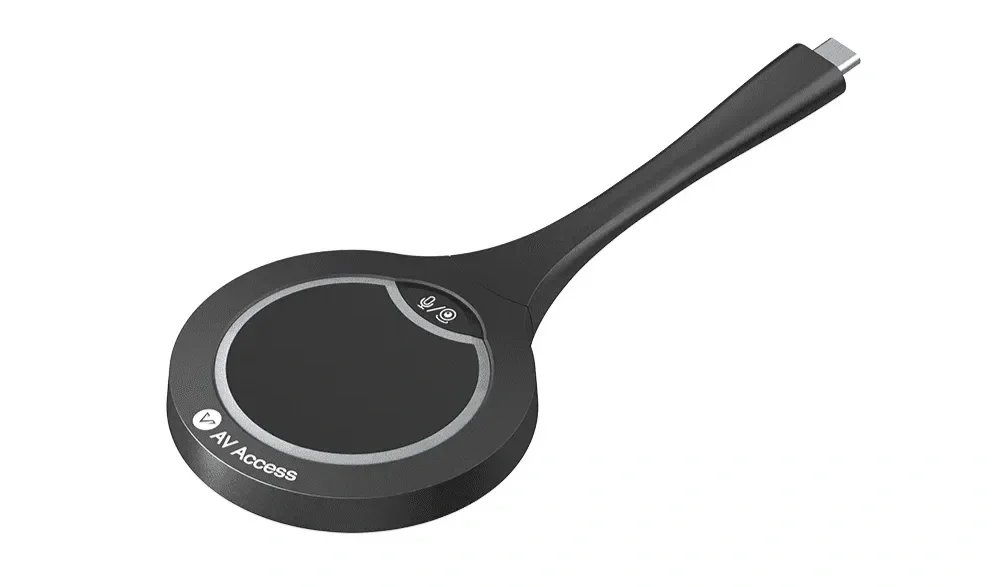
Key Features
● Wireless Casting with 4K UHD Image: Works perfectly with eShare W80 presentation system. With just a click of the casting button, it allows you to share your laptop screen wirelessly with up to 4K@30Hz resolution, no software required.
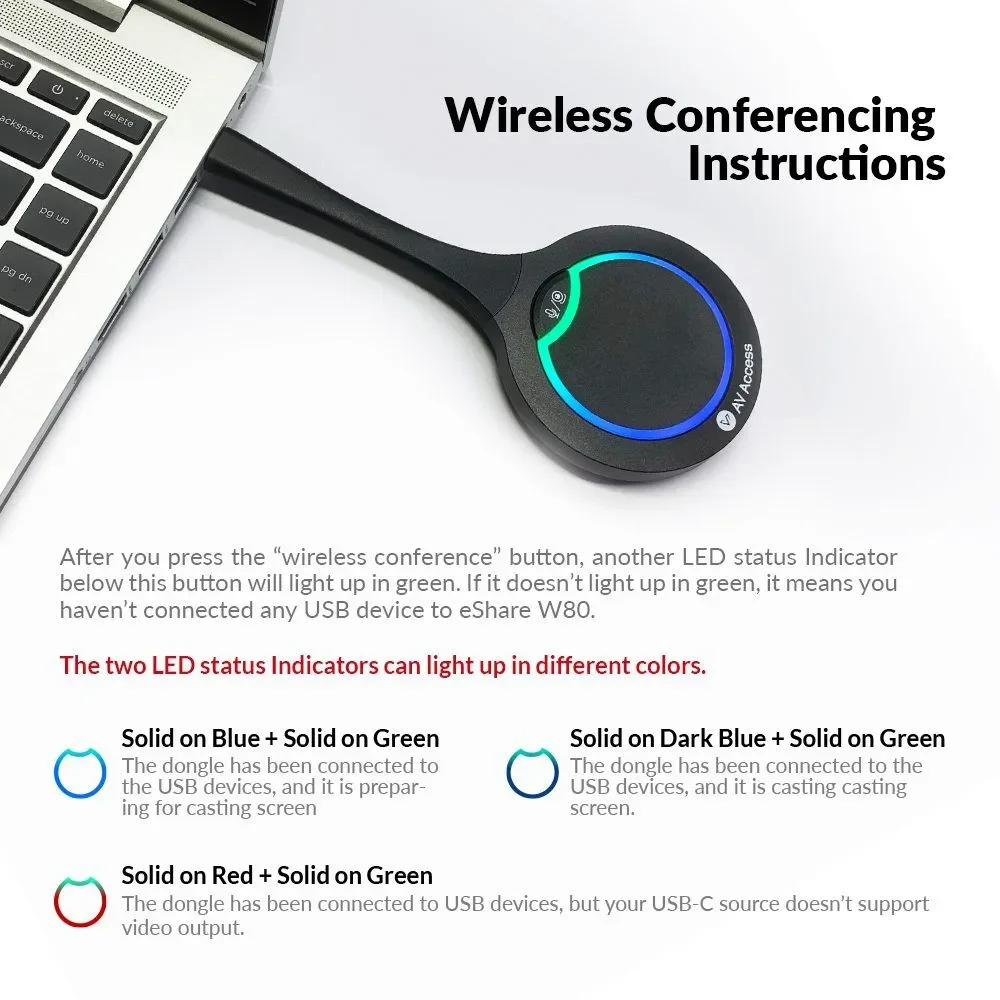
● One-Click Wireless Conferencing: Works with eShare W80 to control a 4K webcam, speakerphone, or other USB 3.0 conferencing device wirelessly. Plug the dongle into your own device, click the “wireless conference” button and start your video conference in no time.
● Truly Plug and Play: Extremely easy to set up; no software driver or extra configuration required. No security issues, no cable hassles, no training required, quite friendly to all users.
● Auto and Quick Pairing: Plug it into eShare W80 hybrid conference system via USB-C port, and they can get paired automatically. It just takes you a few seconds!
● Universal Compatibility: Compatible with Windows 7/10/11, Mac OS, and Android OS. Bring your own laptop, smartphone or tablet, and share your screen easily.
● Important Notes: The dongle can’t be used alone; it needs to work with eShare W80 presentation system. Before using it for wireless casting, please ensure your laptop’s USB-C port supports video output.
eShare D20 USB-C Dongle for Wireless Conferencing
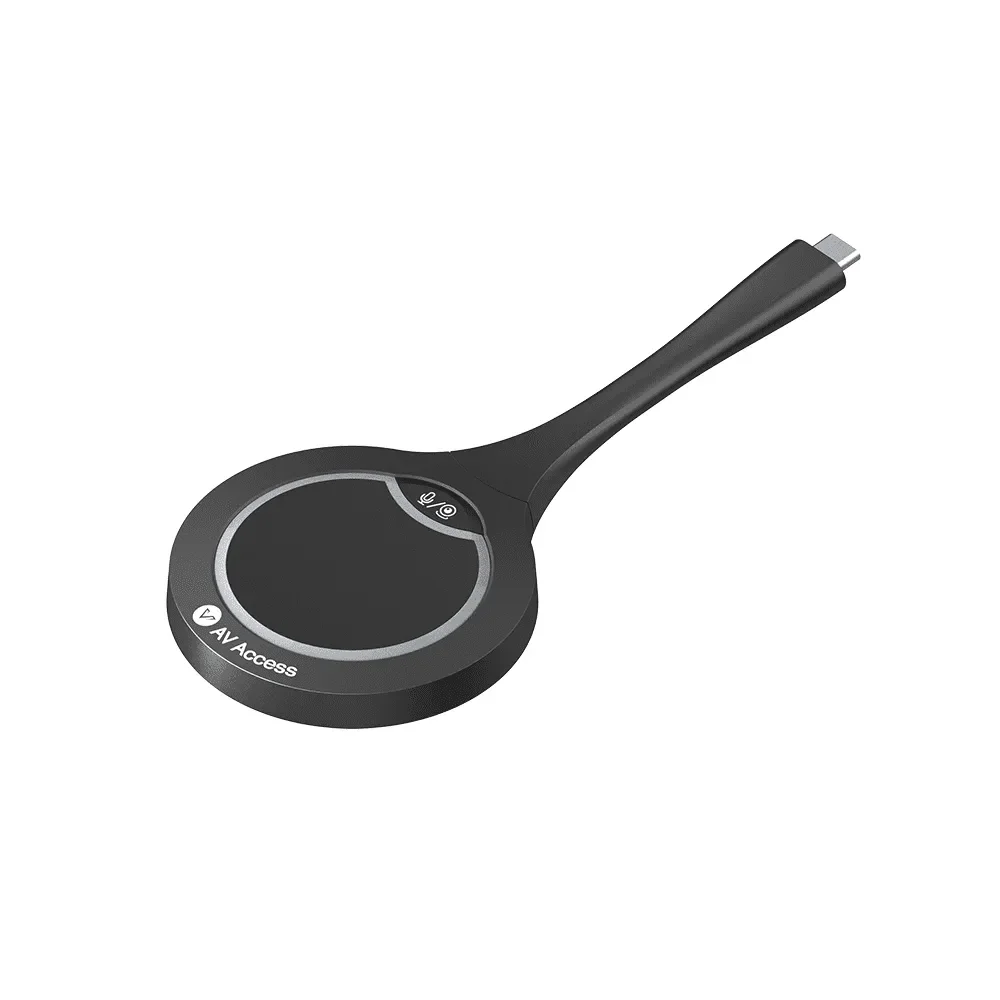
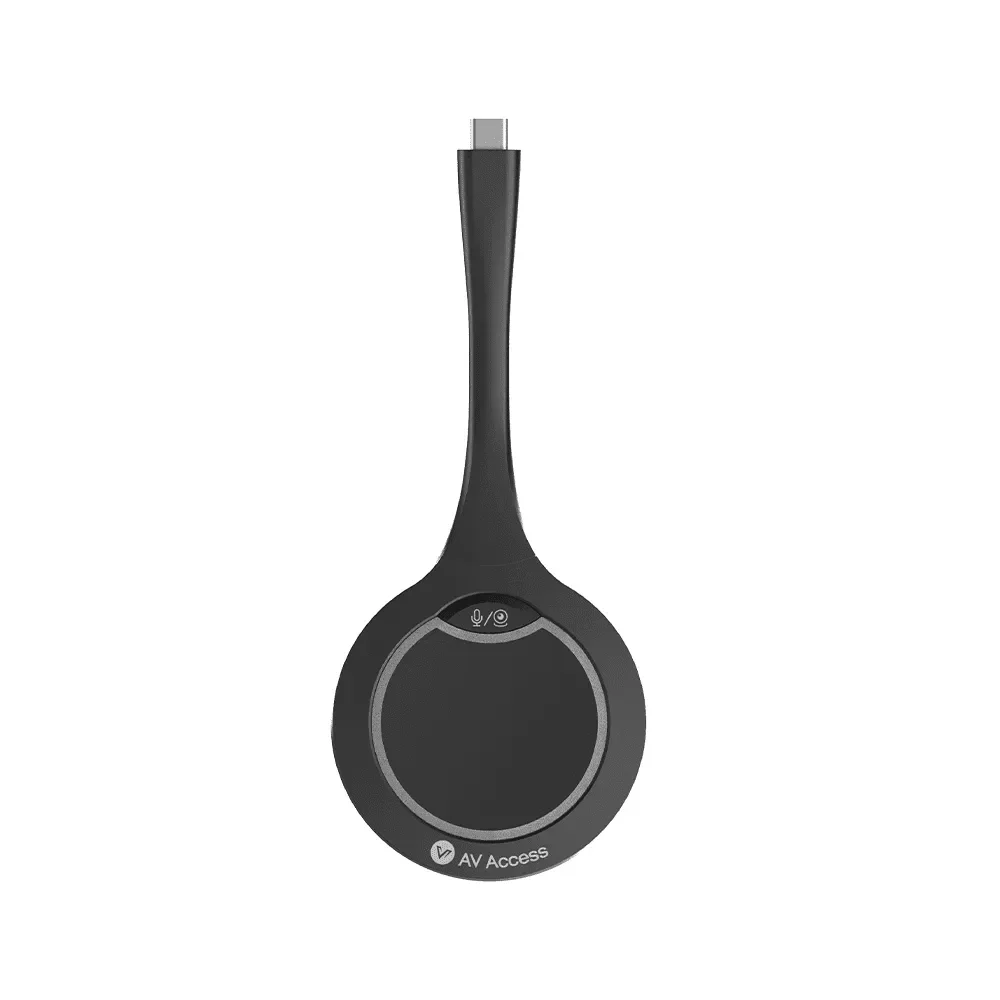
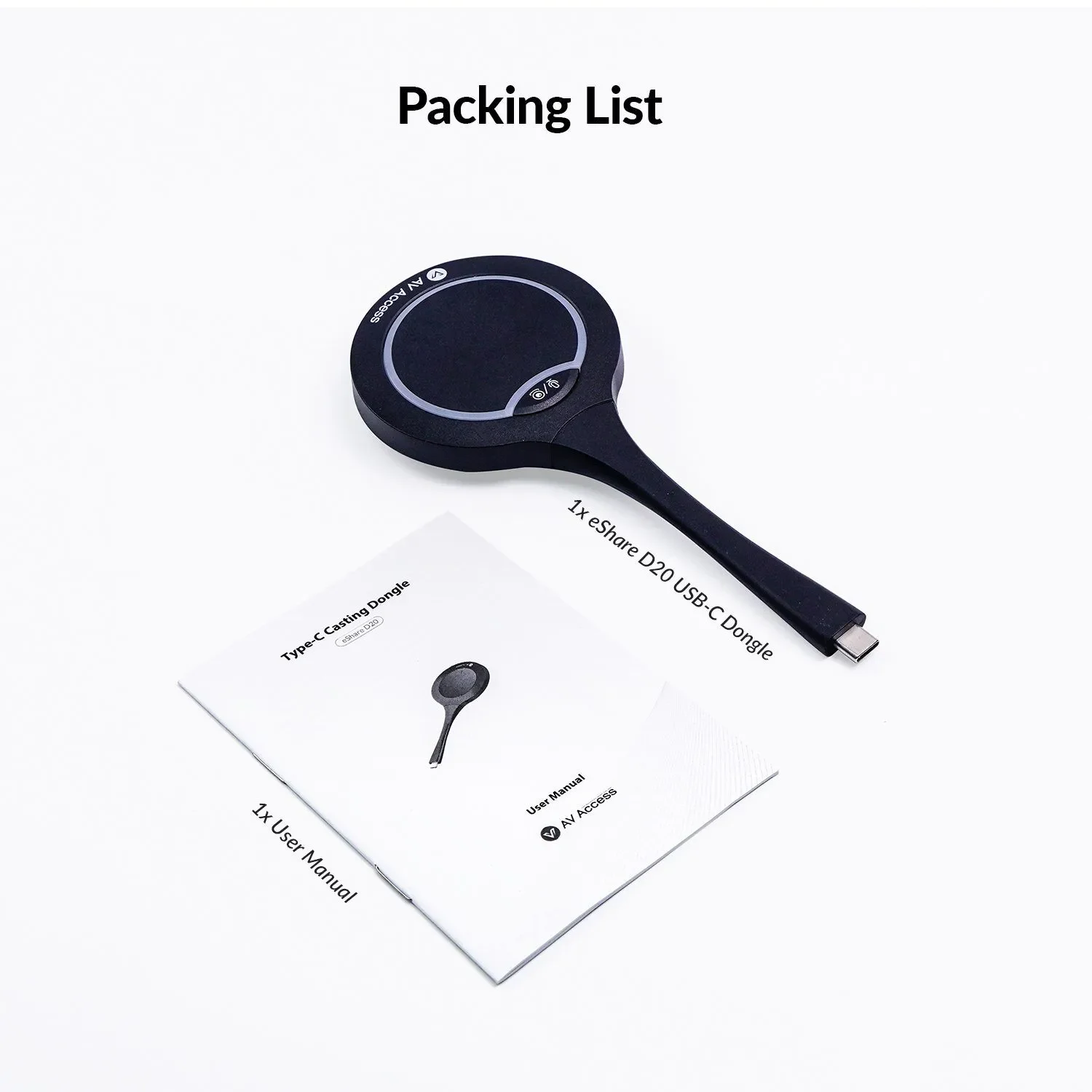
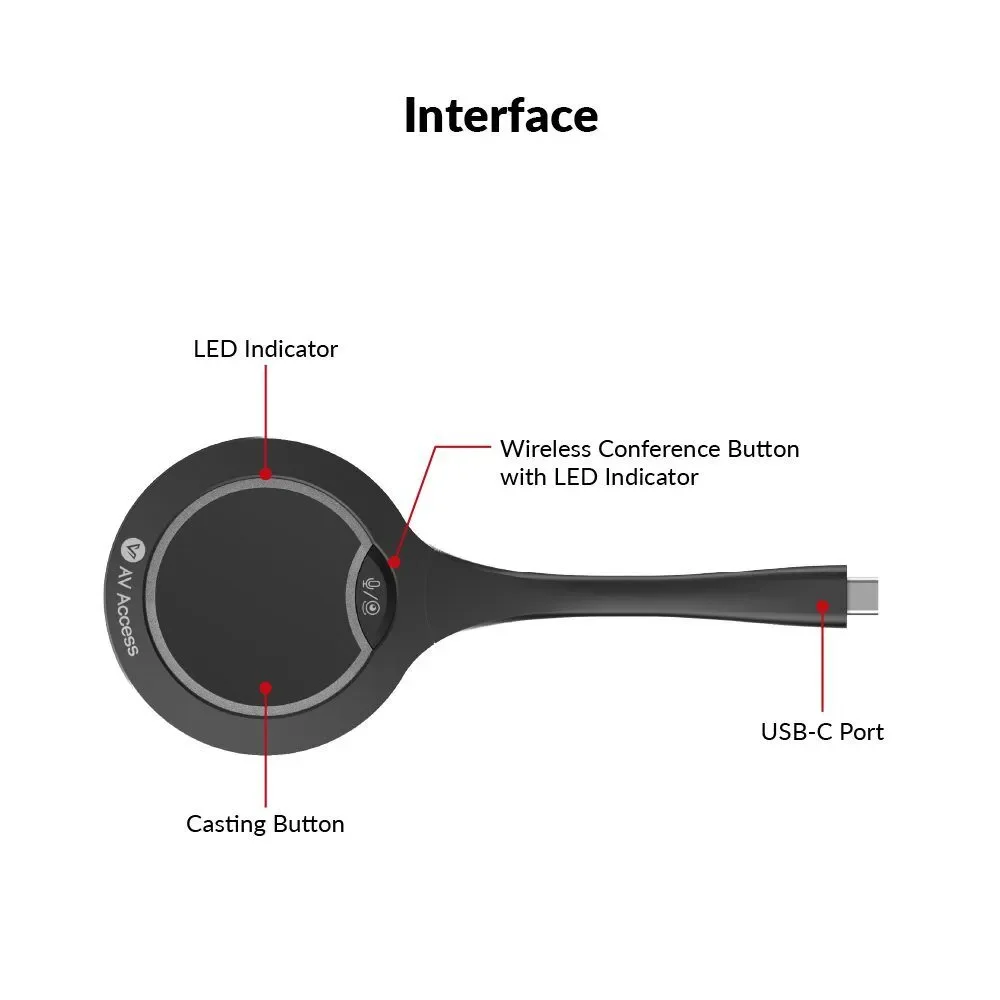
The eShare D20 USB-C dongle is designed with two control buttons: the casting button (the big one) and the “wireless conference” button (the small one with webcam/speaker icons).
It supports one-click wireless conferencing. Once your USB conferencing devices are connected to eShare W80 presentation system, you can control them wirelessly with the “wireless conference” button on the dongle.
Besides, it can wirelessly cast screen from your laptop/smartphone/tablet to the TV connected to eShare W80 presentation system. One or more dongles can be automatically paired to eShare W80 via its front USB-C port. After pairing, you can plug it into your laptop and tap its casting button, then the contents will be readily mirrored on the TV.
Important Notes before Using:
1. This USB-C dongle can’t be used alone; it needs to work with eShare W80 presentation system.
2. Plug the dongle into eShare W80 via the front USB-C port, then they can get paired automatically. Once the pairing is completed, the prompt “Pairing Successful” will appear on the TV connected to eShare W80.
3. Please ensure your laptop’s USB-C port supports video output before using the dongle for wireless casting.
4. After inserting the dongle into your laptop’s USB-C port, please wait a few seconds until its LED indicator stops blinking and becomes solid on. Then, you can cast your screen instantly.
5. Short press the casting button once to start or stop casting. When you need to pause casting, please short press the button for two times.
Main Features:
Supports wireless casting with up to 4K@30hz resolution
Supports wireless conferencing (wireless control of USB peripherals)
Works with a laptop/smartphone/tablet, no cable hassles
No software or configuration needed, real plug and play
Compatible with Windows 7/10/11, Android OS and Mac OS
Start/Stop mirroring with just one-button press
Supports desktop duplicated screen and extended screen
As small as a palm, easy to carry
Specifications
-
Technical Specifications
Max Resolution: 4K @ 30fps
Terminal Type: 1 × USB Type-C
Frequency Bands: 5.2GHz, 5.8GHz, and 2.4GHz
Wireless Transmission Protocols:
IEEE 802.11a/b/g/n
IEEE 802.11ac
Authentication Protocols:
WPA2-PSK
IEEE 802.1X
-
Operating System Support:
Windows 7 / 10 / 11
macOS
Android OS
USB Port: 1 × USB Type-C Port
-
Input Voltage: 5V (Powered via USB)
Power Consumption (Max): 2.7W
Product Dimensions (Ø × H × L): 69 × 15.34 × 165.2 mm (2.72" × 0.60" × 6.50")
Product Weight: 60g (0.13 lb, Net Weight)